If you allow Bank Wire payments on your site, you are probably tired of sending messages to customers reminding them to pay their orders.
You also have to remember to cancel past orders and restore the stock of the products so other customers can buy them.
But, what if all of this was automated?
Wire Transfer Reminder focuses on the automation of this process with 4 simple steps:
1. Create the Email Template
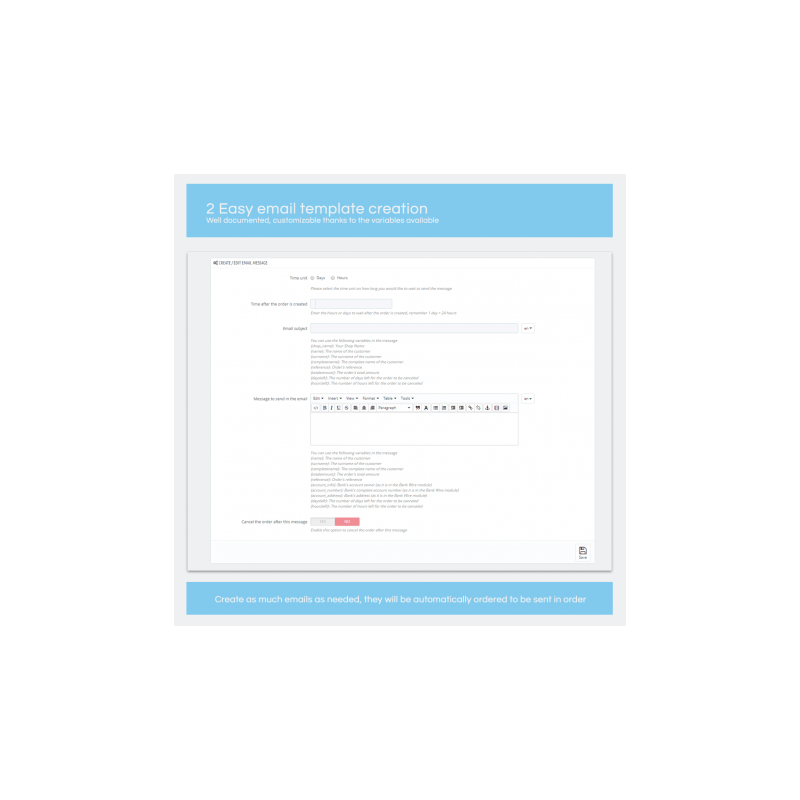
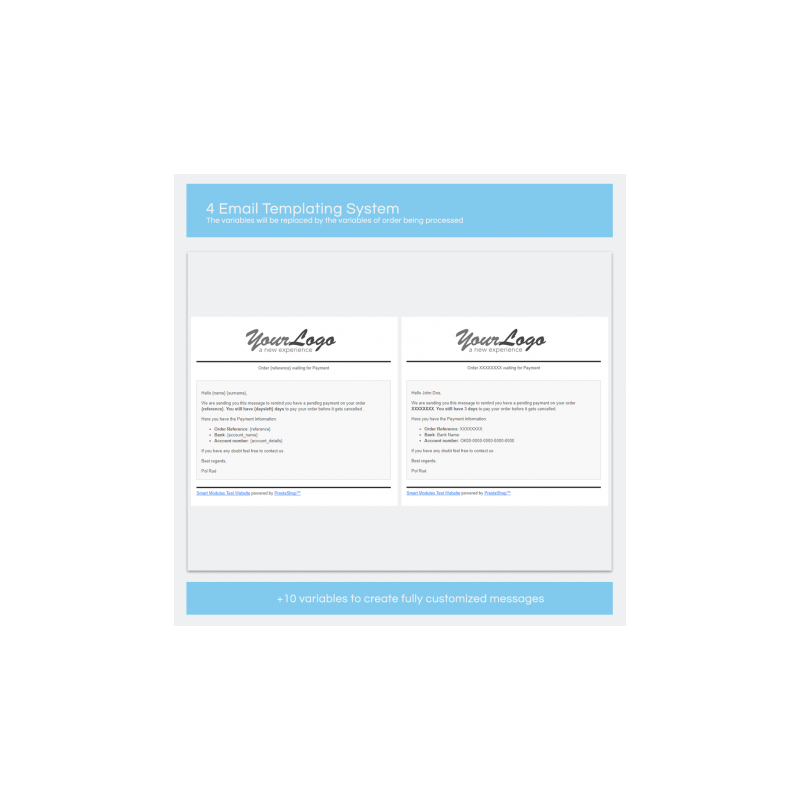
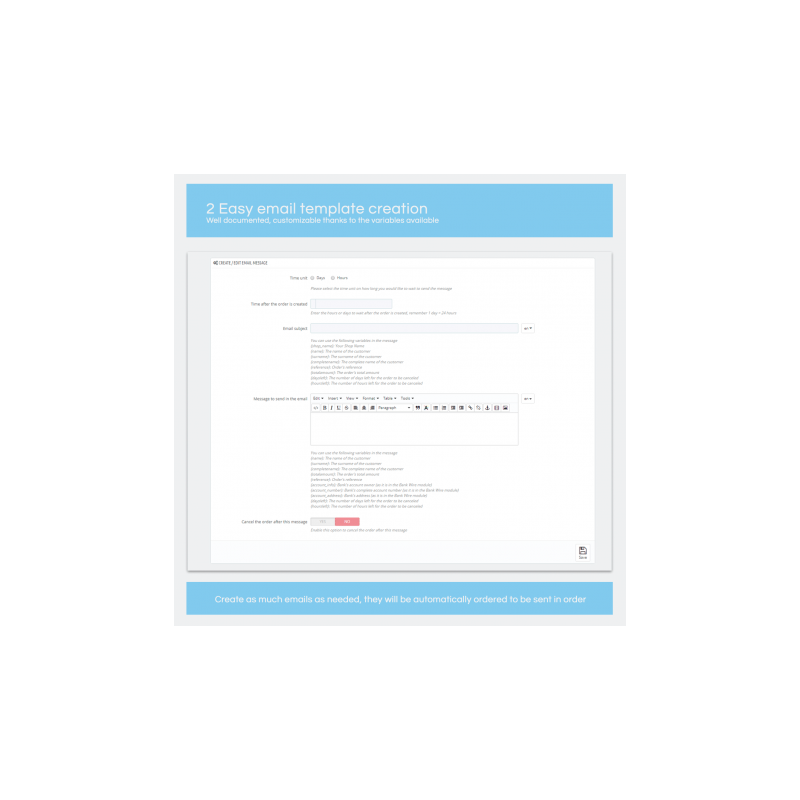
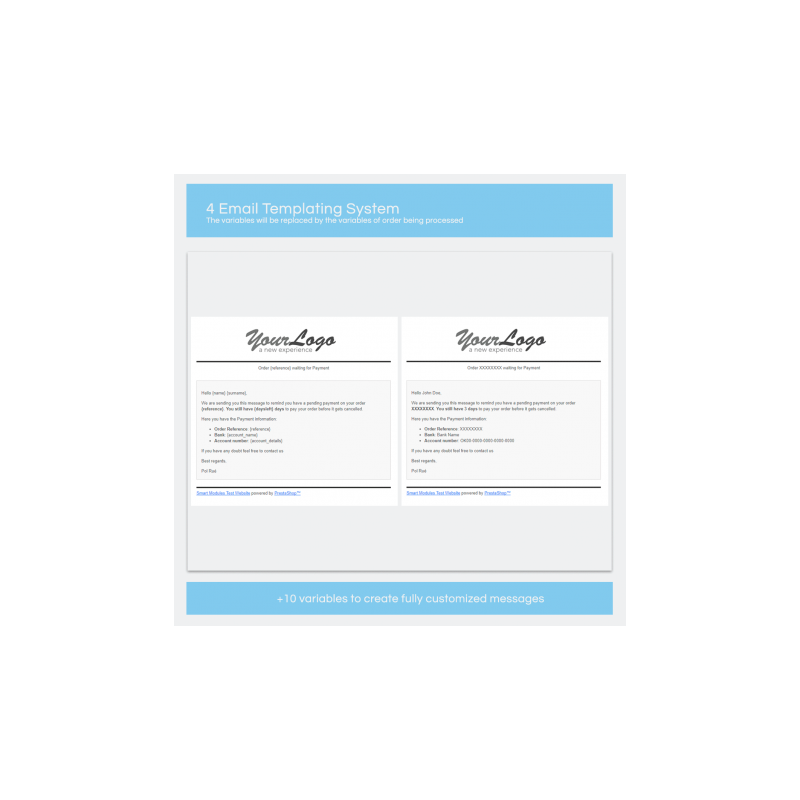
2. Create some messages to send to your customers. Those messages can be customized for each customer thanks to the available variables (name, surname, order reference, bank account info…)
3. Set up the order expiration date. Once the order is expired it will be cancelled and the products will be returned to the stock.
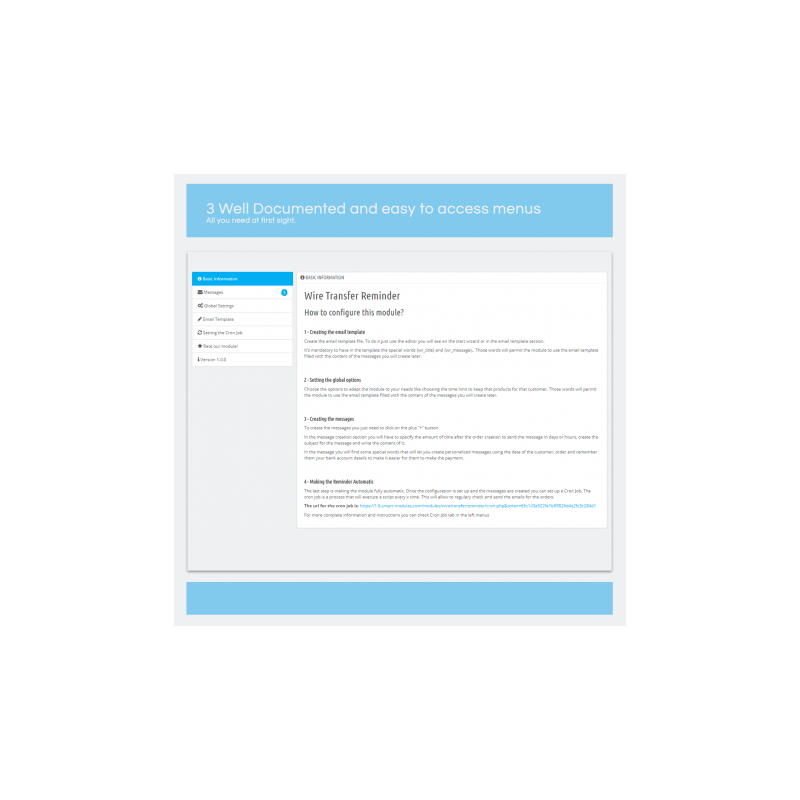
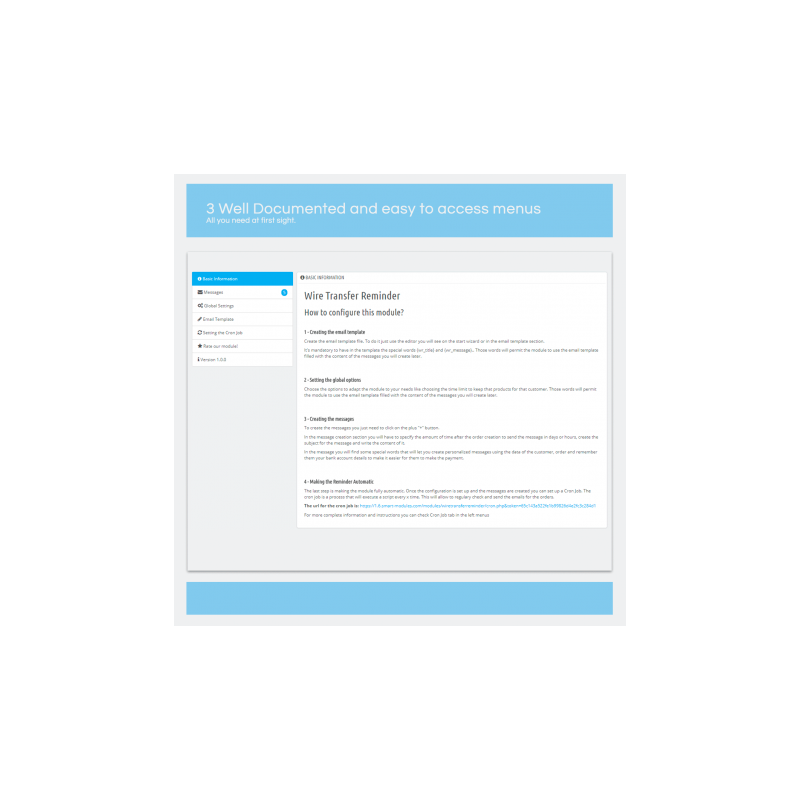
4. Set up a Cron Job to make this process fully automatic
FEATURES
• Easy to use
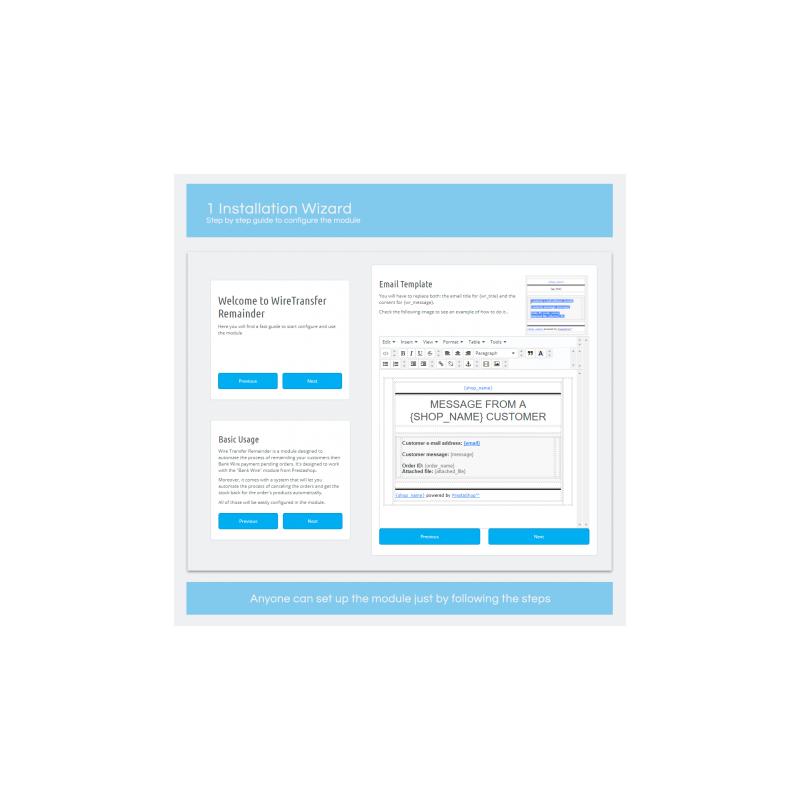
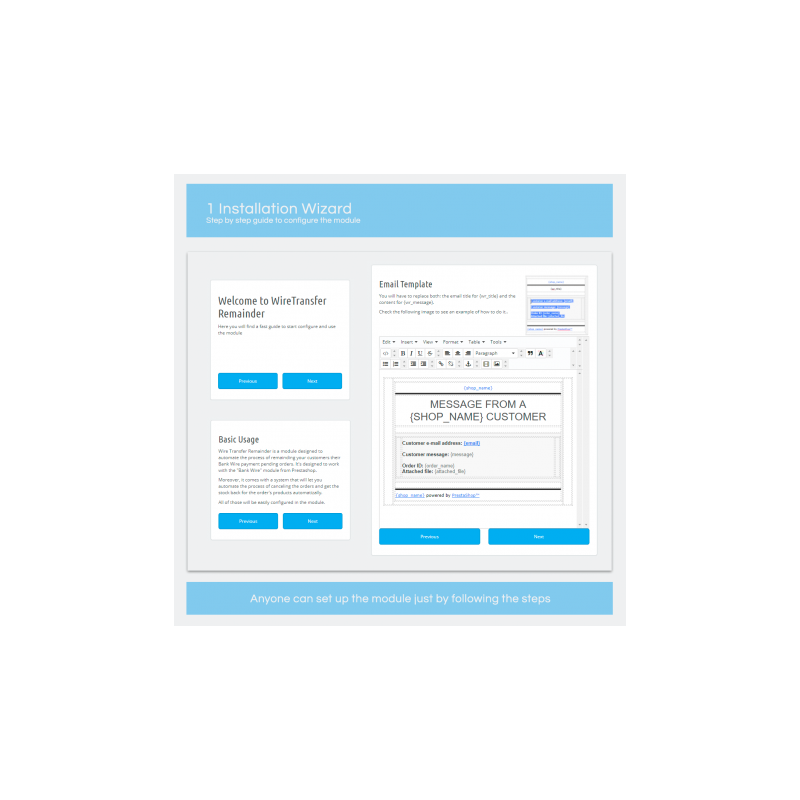
• Step by step visual guide to configure the module for the first time
• Well documented
• Videos to help configure the module
• Unlimited message creation with variables to send personalized messages
• A section explaining how to create a Cron Job
• Fully automatic once the Cron Job is set
• Fast Support
CUSTOMER BENEFITS
Customers will receive reminders before having the order cancelled (if they do not pay)
Also, those reminders can contain key information to make it easier to do the payment, such as the account number, order reference and the amount.
INSTALLATION
1. Upload the module to your shop: Modules > Add New > Add the zip you downloaded from Prestashop
2. Wizard and Template set: The first time you will enter the configuration page of the module you will see a step by step guide, once the guide is completed the module will be almost ready to work immediately
3. Order Expiration: Set up the order´s expiration in days
4. Message creation: You can create as many messages to be send to the customer prior to the order expiration time. You will be able to set the subject of the email sent and the content of the body.
5. Go to your hosting administration panel and set up the Cron Job, in the module you will find instructions to easily configure it
Once the Cron Job is set the module will start to work in the background, sending the emails to customers and cancelling the expired orders.
RECOMMENDATIONS
Since the minimum time for the emails is 1 hour we do recommend you to set up the Cron Jobs hourly.
OTHER
Top development priority
This module is quite new and we will be continuously updating it to make it better. If you found any bug or have a suggestion, please contact us.
Support
Fast support on installation and configuration (Monday to Friday from 08:00 to 15:30 GMT+1)
Contact us through the link on the right side of this page
Ratings
If you love our module and customer service, please rate us and help other customers.
 English
 Español
 Deutsch
 Italiano
 Polski
 Français
 Nederlands
 Русский
 Bokmål
 Português PT
 Čeština