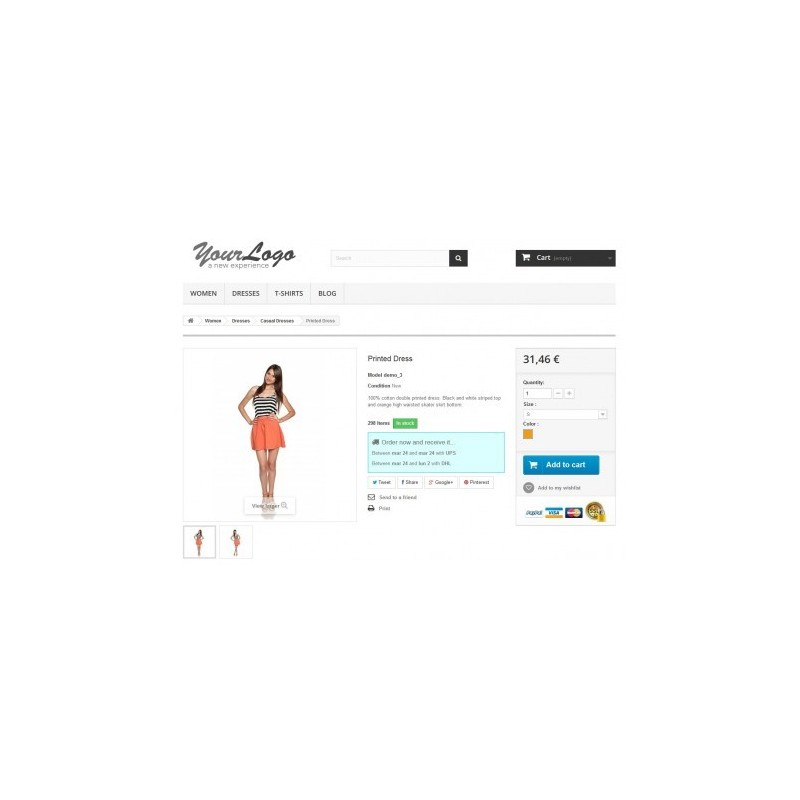
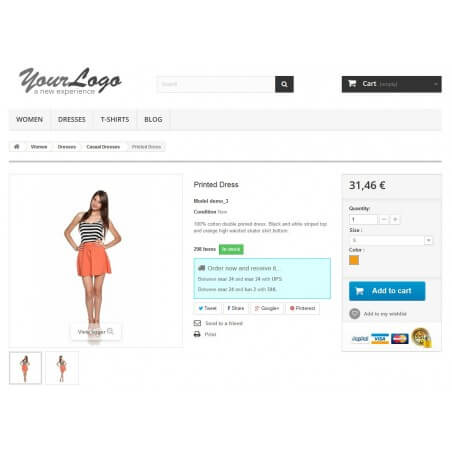
Estimated Delivery is a module that calculates the delivery date of the products before adding these to the cart.
It's easy to set up and configure and it will help you increase your customers’ trust as well as your sales.
You can display carriers in three ways:
- Carrier list mode: The default mode displays a list of available carriers sorted by the estimated delivery date.
- The Amazon mode: Calculates and displays the time of the fastest shipping option available (order before xxx and receive it on xxx).
- Time to picking: Displays the time limit for the picking instead of a standard countdown.
What Estimated Delivery does?
Increase your sales and trust by letting your customers know when they will receive their order.
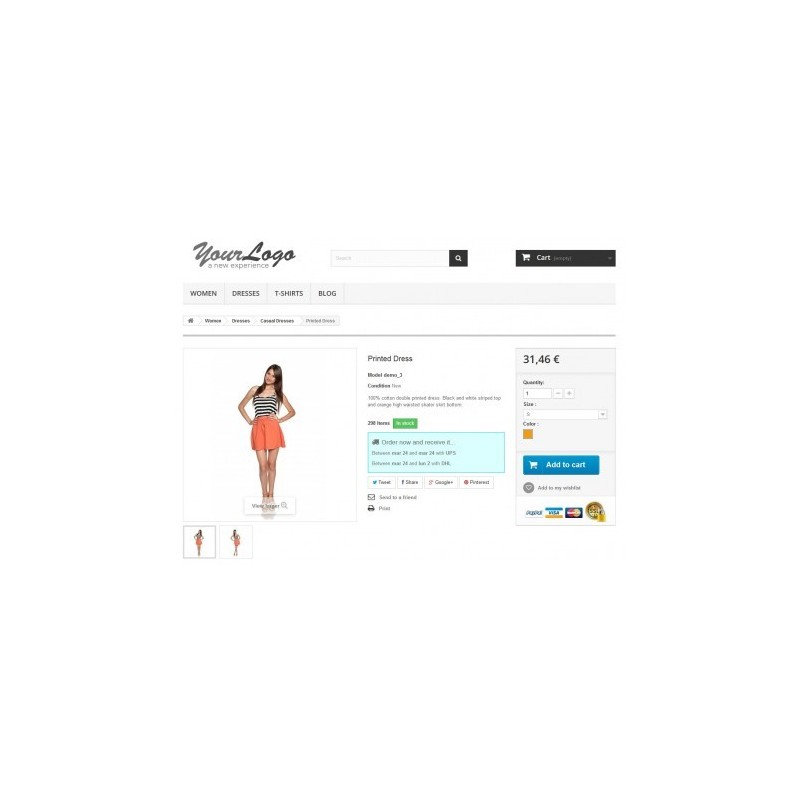
With this module, your customers will know the estimated delivery date even before adding a product to their shopping cart.
Estimated Delivery uses geolocation to find out the location of your visitors and displays the only carriers available to them.
Once the customer is connected, the module uses the saved address to calculate the Estimated Delivery, which increases performance and accuracy.
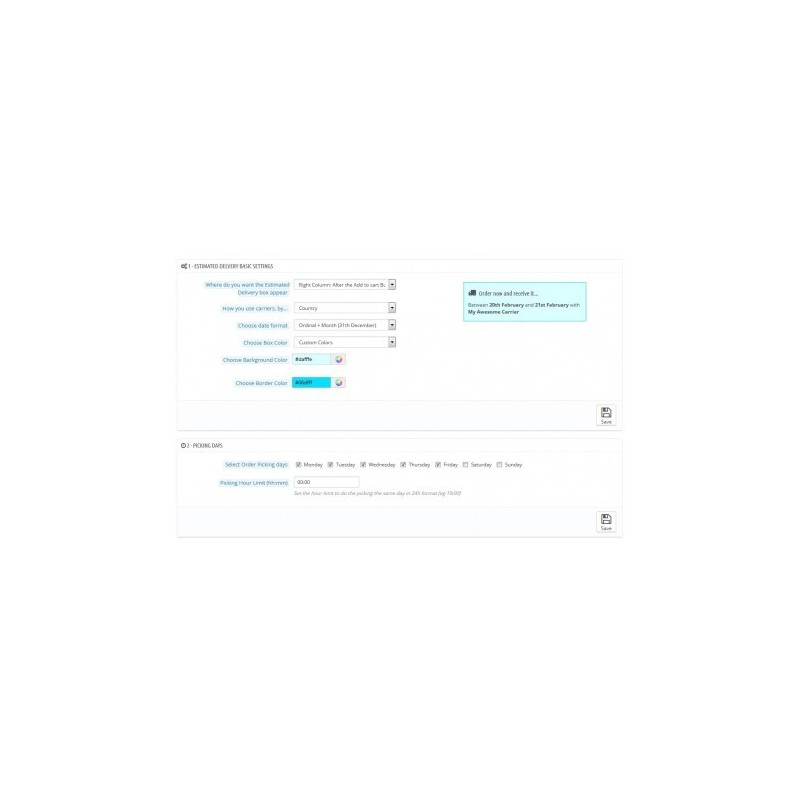
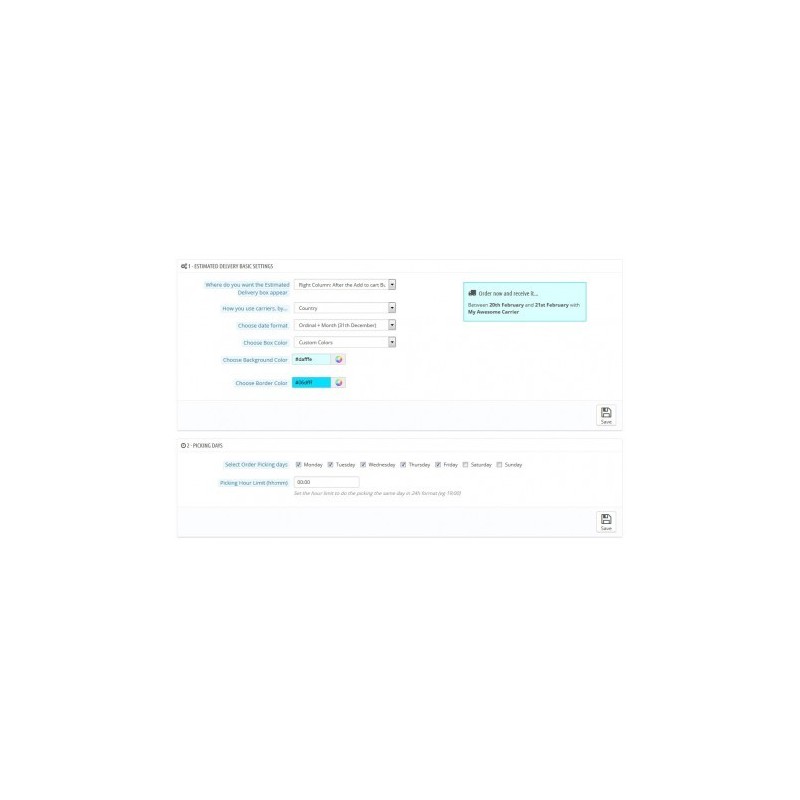
Estimated Delivery also comes with a wide range of options available to easily configure each parameter, such as style, time format, position and color of the Estimated Delivery information box, without needing to edit a single line of code.
Select Picking Days, Time Limit, Delivery Time, and more. The module comes with extensive documentation to guide you.
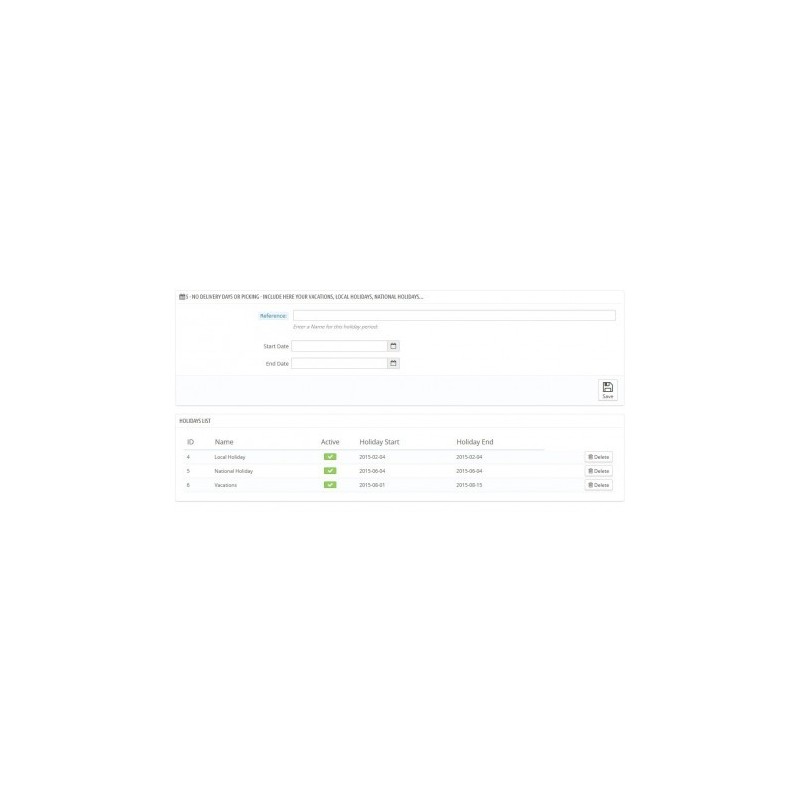
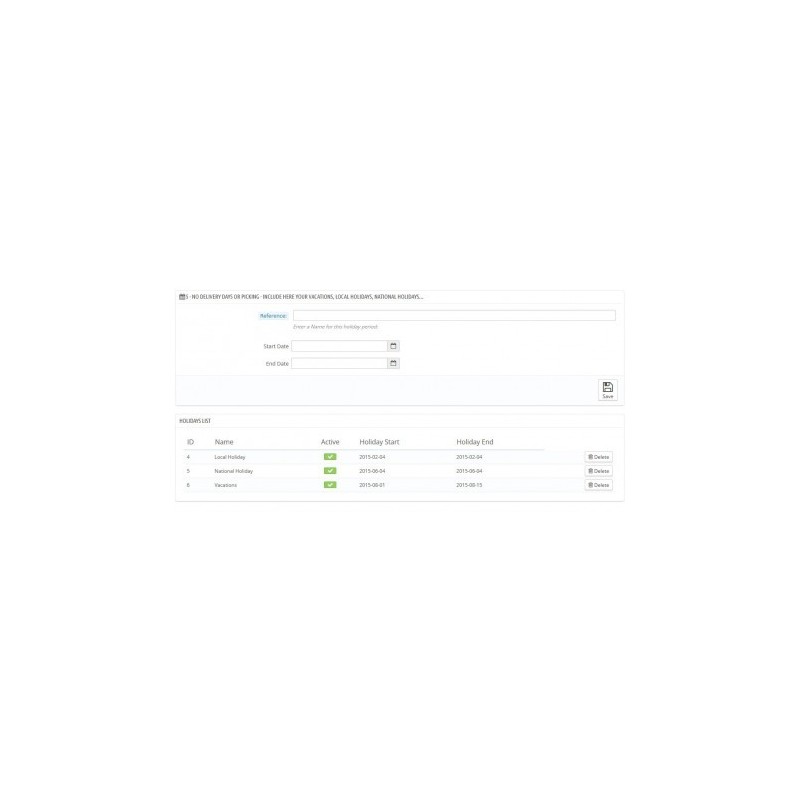
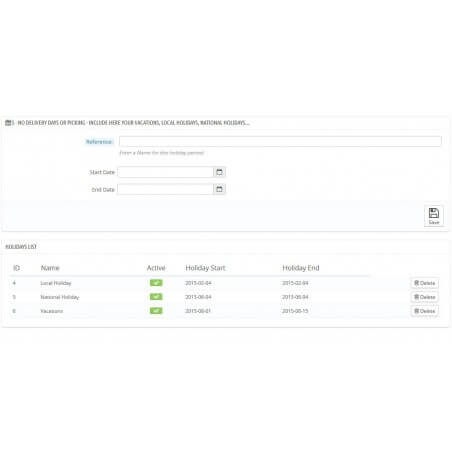
You can also configure holidays and special dates without picking or shipping, and activate or deactivate them with a single click from a single admin screen.
_______________________________________________________
Our agile customer support assists you in configuring the Estimated Delivery Module. In case you have a question or doubt before or after buying the module, please contact us by clicking on "Contact Developer" or on this link /en/contact-us We want to help you have the best experience possible!
FEATURES
New features in 3.0:
Control by combinations: We went even further, adding the ability to control the main Estimated Delivery options by combinations. This way, a product can have multiple configurations for each combination. Different picking days, different out of stock days…
Estimated Delivery in email templates: Just add a line in your email templates to integrate the Estimated Delivery box in your emails.
Code optimization: In order to allow customization by combinations, we had to recode most of the module. We took the opportunity to optimize it even more!
Estimated Delivery in Product Lists: 12 display options, with a more compact format to reduce the size. Added compatibility for PrestaShop 1.7.x versions.
Category Exclusion: Thanks to this option, you can choose not to display Estimated Delivery in certain categories of your choice.
OOS Days by Supplier: Now you can choose between categories or suppliers to add the additional days.
Features already included:
Process of Estimated Delivery in Orders: With the “Estimated Delivery in orders” feature, your customers can view the delivery date at checkout. After completion of the order, the Estimated Delivery will be saved in the database and will be accessible for the customer (in the order history) and for the shop (in the Orders BO menu).
Estimated Delivery Prices: Another most desired feature: You can display the estimated delivery cost of the carrier along with the Estimated Delivery.
Estimated Delivery from Addresses: In order to improve performance and reduce the impact on page loading, the ED module can now calculate the available carriers using the registered addresses (instead of the IP addresses), making it faster and more accurate.
Picking days: For items that require a little more picking time.
Additional delivery days: For products that are out of stock and with sales enabled (fast resupply, drop shipping...).
Display Estimated Delivery dates like Amazon (developed by request)
Advanced carrier options: This feature gives you complete control of your carriers. You can enable/disable them, give them an alias, set their picking days individually...
Add extra delivery days for products without stock: Ideal for drop shipping or fast restocking sites. Can be set up globally, by category or by product.
And also:
- Display Estimated Delivery like Amazon (order before XX:XX and receive it on...) with a built-in countdown.
- Enable / Disable carriers for the ED Box
- Rename carriers (and give them a more appropriate name).
- Set picking days and picking limits individually for each carriers.
- Display ED on product lists (beta feature): requires the hook Display Delivery Time in the tpl files.
- New preformatted date formats.
- Increase delivery days for products without stock.
- Choose the location and the style of the ED information box.
- Easy and quick Installation.
- Choose your picking days, and daily hour limit for picking.
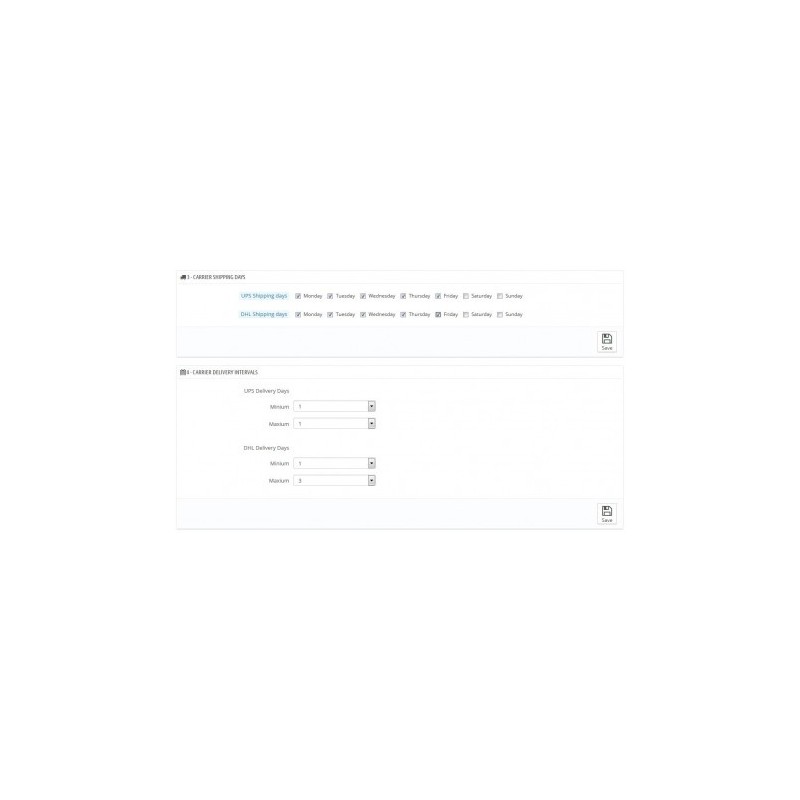
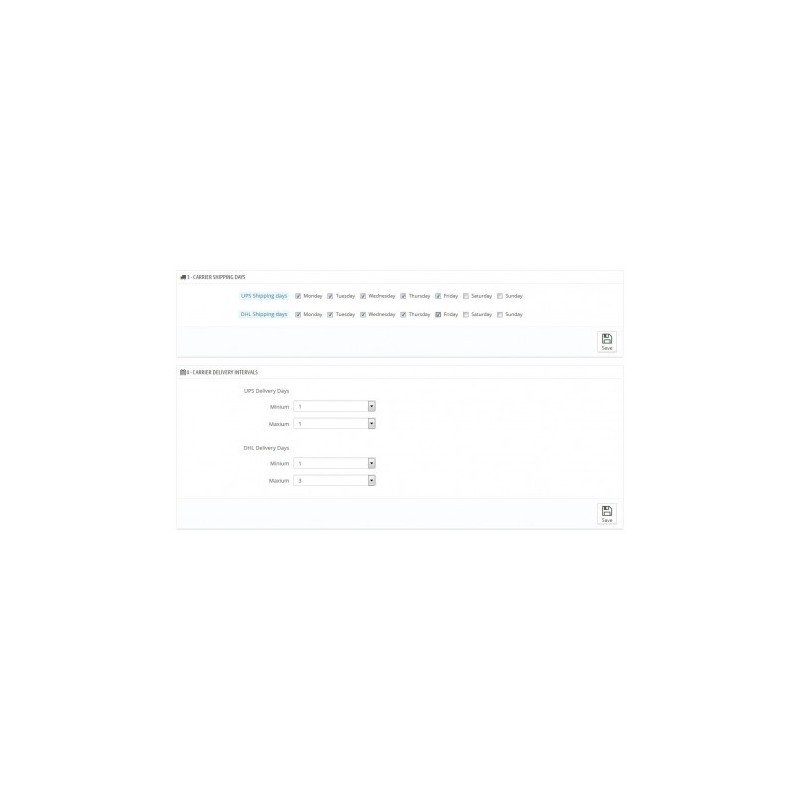
- Choose your carriers shipping days.
- Choose the delivery times for your carriers.
- Create a list of holidays to make the estimated delivery times more accurate.
Feature Requests:
Do you have a suggestion? We are improving our modules continuously. As you may have noticed, most new features have been developed at the request of our customers For any idea or suggestion, please contact us directly.
BENEFITS
You customers will know the delivery date of your products before even adding them to their cart. This will help you boost your sales and gain your customer’s trust. Customers can also check the delivery date in their order history menu.
INSTALLATION
- Upload the module to your Prestashop.
- Go to BO > Modules > Add New Module.
- It will be added automatically via your Prestashop Addons Account.
- Upload the zip file of the module via FTP (in the /modules/ folder).
- Install the module and go to the Configuration screen.
- Read the information (2 minutes) to get a general idea of the module’s available configurations.
- To start the module, simply configure blocks 1, 2, 3 and 4 (less than 5 minutes).
- Do you want better control? Activate the advanced mode and expand the functions of blocks 2 and 3.
- Check and activate the optional settings.
Do you have a question or difficulties? Please contact us.
RECOMMENDATIONS
If you have multiple carriers with the same name and with similar functions, use the enable/disable and alias features to create unique and more appealing carriers.
Recommended modules:
Products Alert: Informs customers whether a product or combination is out of stock, and will automatically send them an email once it’s in stock again.
ED will manage items with stock, while Products Alert will save the emails and send them to customers as soon as your shop has a positive stock.
OTHER
Shops with 3rd party carrier modules may require additional settings. If that’s your case, please contact us!
SUPPORT
Contact us for quick installation and configuration support. Monday to Friday, from 08:00 to 16:00 (GMT+1).
 English
 Español
 Deutsch
 Italiano
 Polski
 Français
 Nederlands
 Русский
 Bokmål
 Português PT
 Čeština