Pixel Plus: Event tracking + Pixel Catalogue
Compatibilidad > 1.6 - 1.7 - 8.1

Pixel Plus: Event tracking + Pixel Catalogue

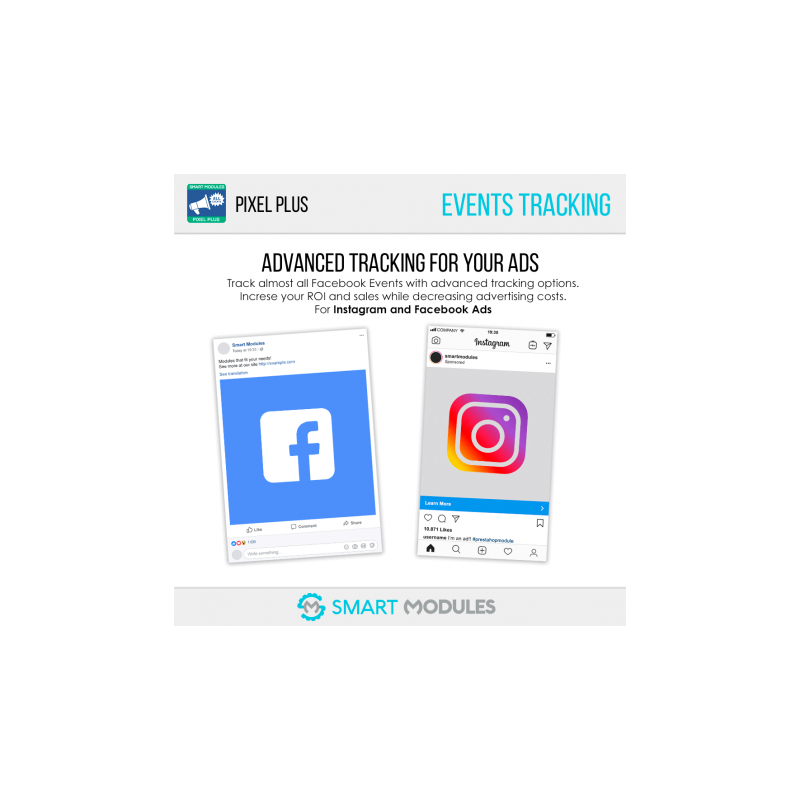
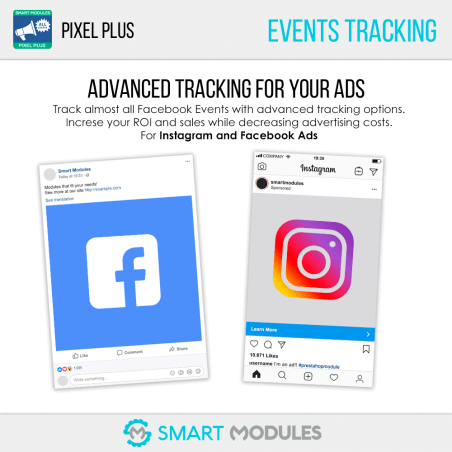
The most complete module to track all Facebook Events (+8), create a catalogue, use dynamic ads, tag products on Instagram, fill the shop tab on Facebook...

It also improves SEO by fixing invalid Schema and Open Graph structures!

SmartModules
Description

With nearly 5000 downloads and almost a perfect score, Pixel Plus is the best option available if you want a reliable module to track your Facebook events and to create a Pixel event based product catalogue.

In short, Pixel Plus allows you to:

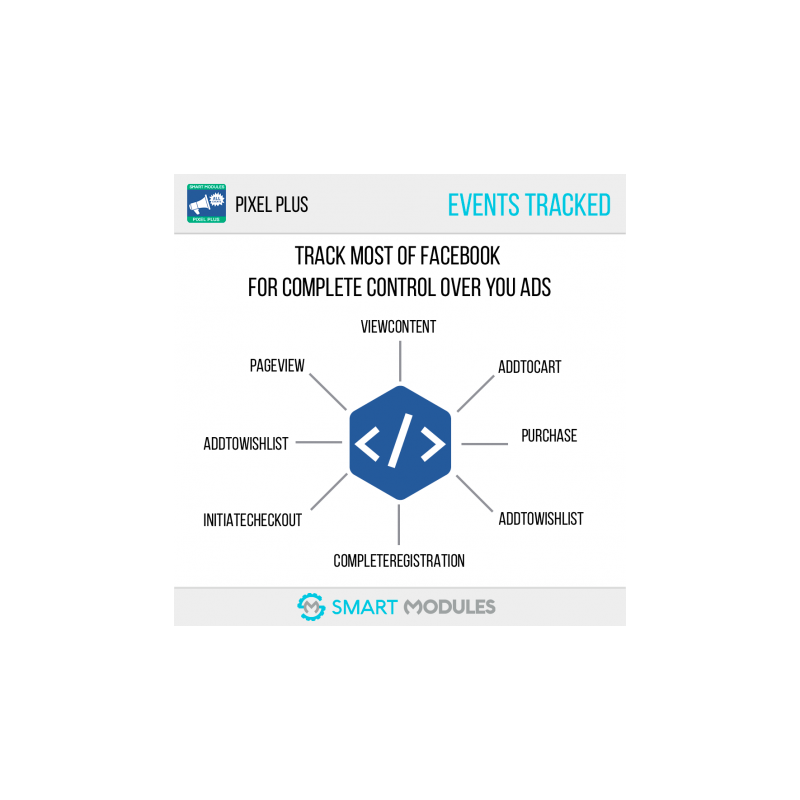
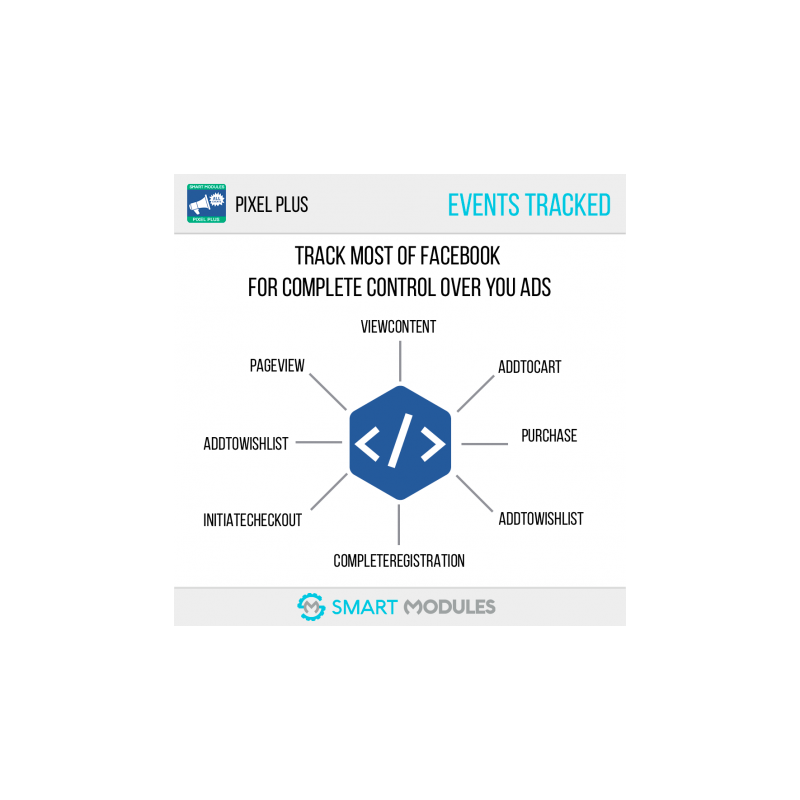
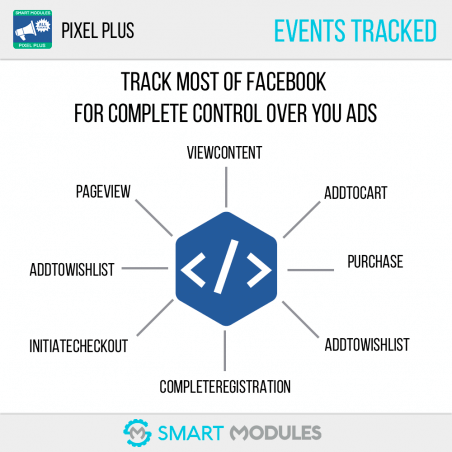
Track all Facebook Events: PageView, ViewContent, AddToCart, AddToWishlist, ViewCategory, InitiateCheckout, CompleteRegistration and Purchase.

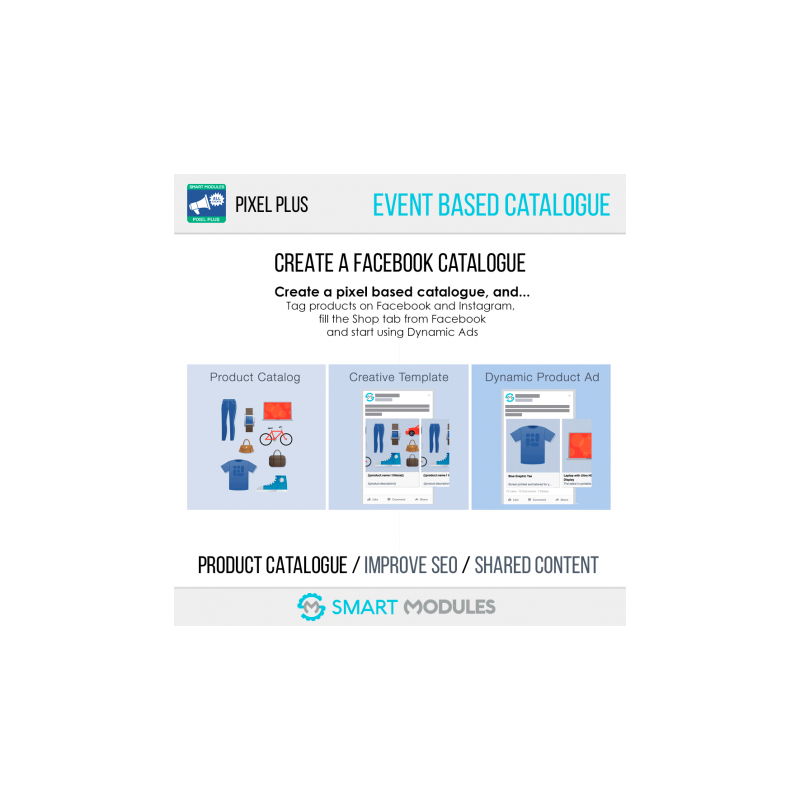
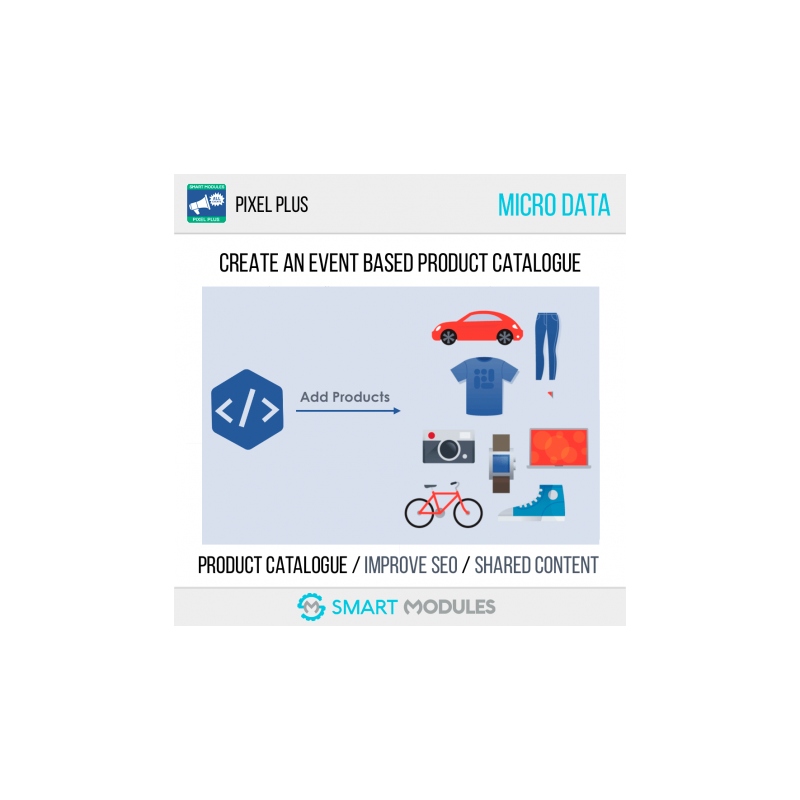
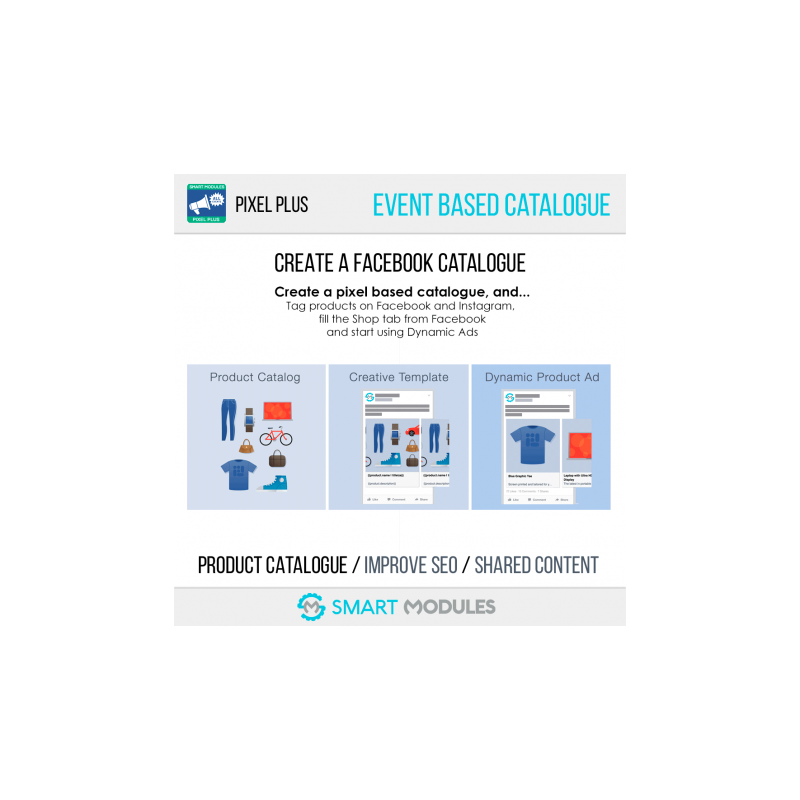
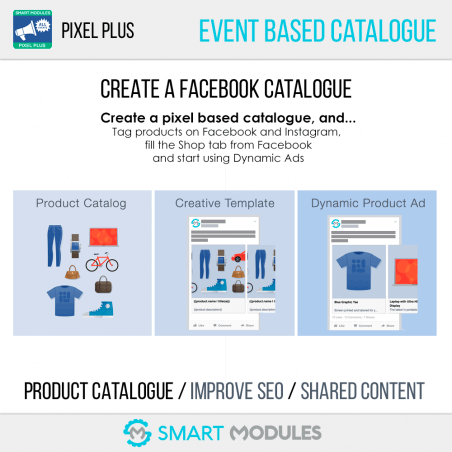
Create a Pixel event based Catalogue: and use it to tag products on Instagram, fill your Facebook Shop tab and even use Dynamic Ads. 

Dynamic Ads is a feature combining the Pixel events and the product catalogue which allows you to use advanced remarketing and create customised ads for each of your visitors. 

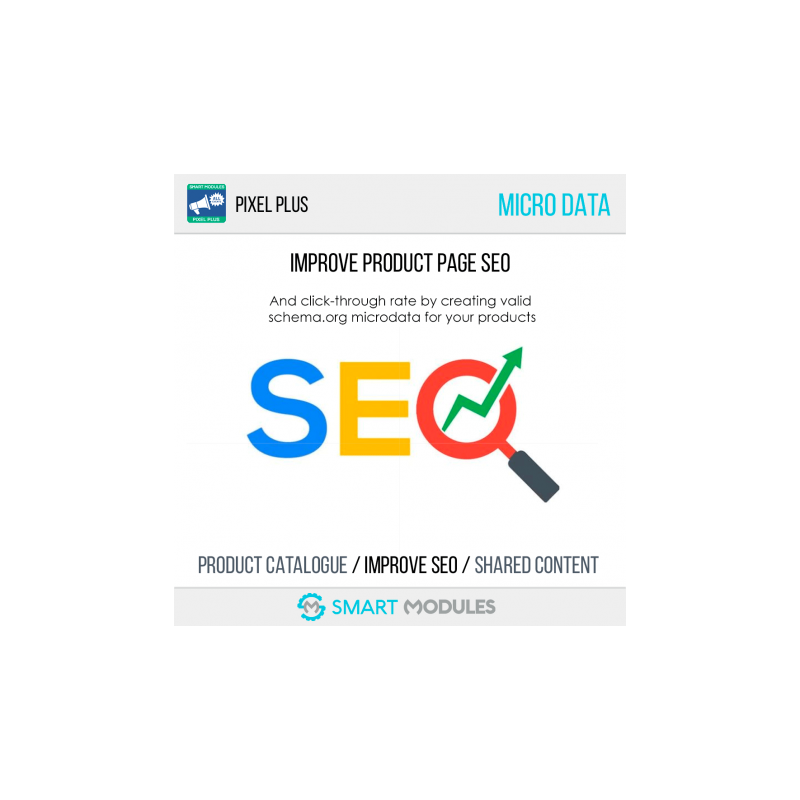
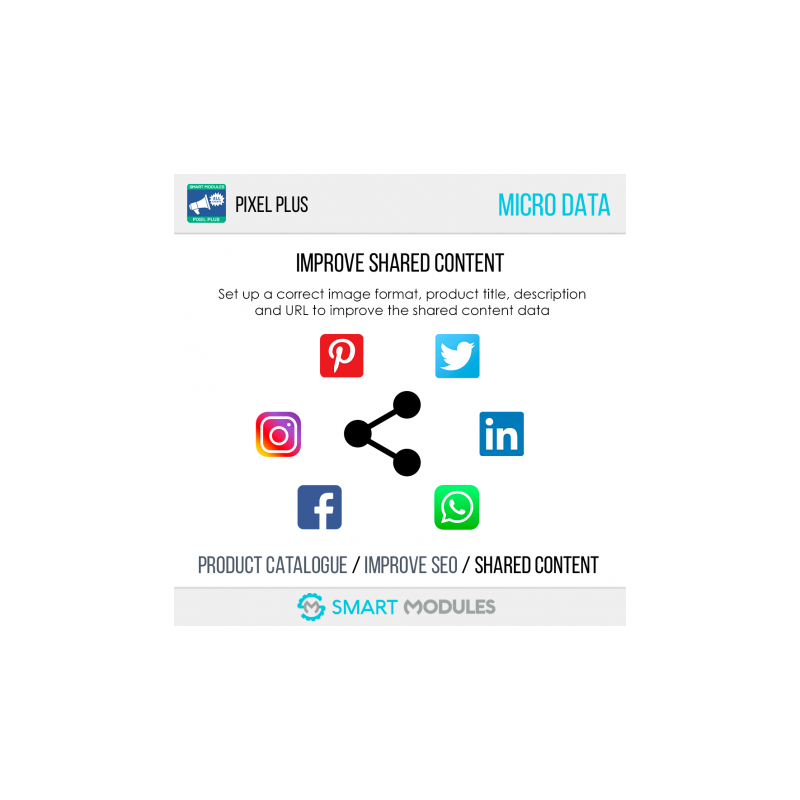
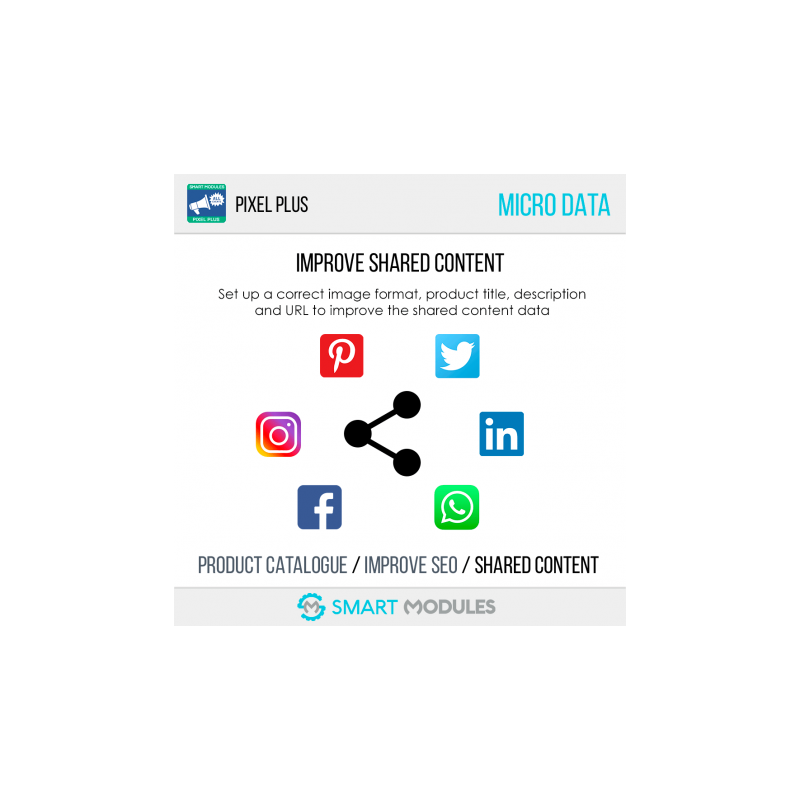
Bonus: It also fixes invalid Schema and Open Graph microdata. This greatly improves page SEO and shared content quality (Facebook or WhatsApp shared content will have better images and content that fits the product).

How events are tracked

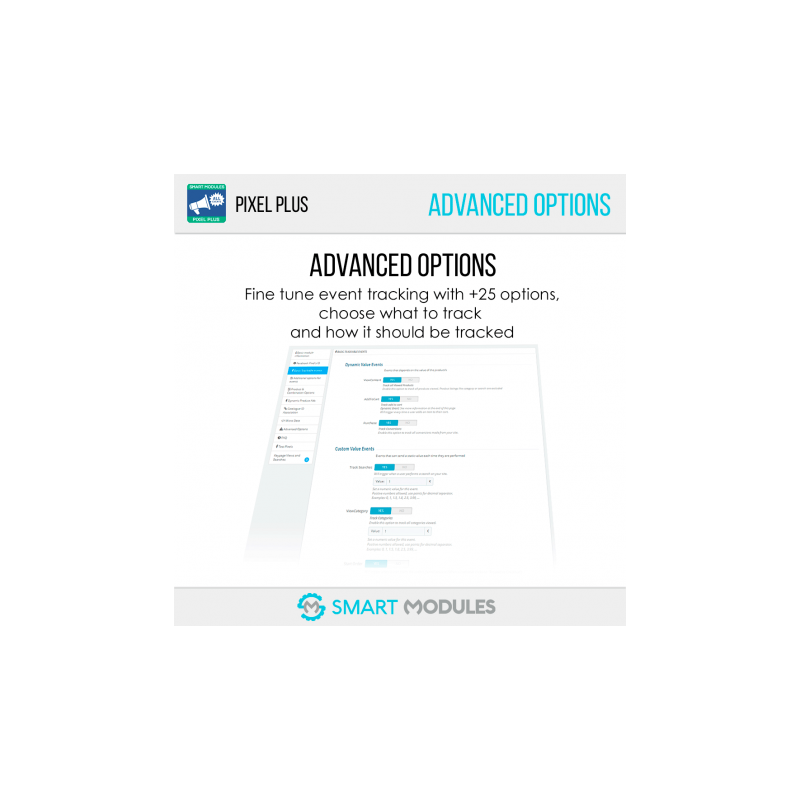
Pixel Plus allows you to track multiple types of events. Tracking for each event can be enabled or disabled individually in the module’s configuration page.

The events are divided into two categories, depending on the activation time and its value:

• Static Events: Events triggered upon loading the page like ViewContent

• Dynamic Events: Events triggered after a certain action, for example AddToCart

• Events with Dynamic values: Events whose value depends on the product/s, like AddToCart

• Events with a fixed value: Events where you set the value of a certain action and that can be changed anytime, like CompleteRegistration

Having the information about what actions a user made on your website can help you improve the ROI (Return on Investment) of your ads by promoting the most effective and reviewing the ones that did not convert enough.

Purchase Event: 3-layer protection to avoid duplicates

Pixel Plus handles purchases like no other module, boasting 3 layers of security to avoid event duplication. This prevents the module from incorrectly displaying an increased number of sales.

Catalogue Creation & SEO Improvement

Pixel Plus also can help you to create a basic product catalogue based on Pixel events. To improve the catalogue quality, the Pixel Helper checks your theme and adds the missing microdata in order to create a better catalogue.

Once you have your product catalogue on Facebook, you can use it in various ways:

• Tag products on Instagram

• Tag products on Facebook

• Fill the Shop tab on Facebook

• Create Product Ads

• Create Dynamic Ads*

Note that the catalogue created from Pixel events is limited and it only contains the products that someone has visited on your site. This means that initially you may have to wait a bit until the catalogue is fully created. If you want an instant catalogue with higher quality and that is fully automatised, we recommend you use our module Products Feed or purchase our bundle containing the Pixel Plus and the Products Feed at an attractive discount in the next link: Dynamics Ads: All Events + Products Feeds. Scroll down to the end of this page to see the offer.

How Dynamic Ads work

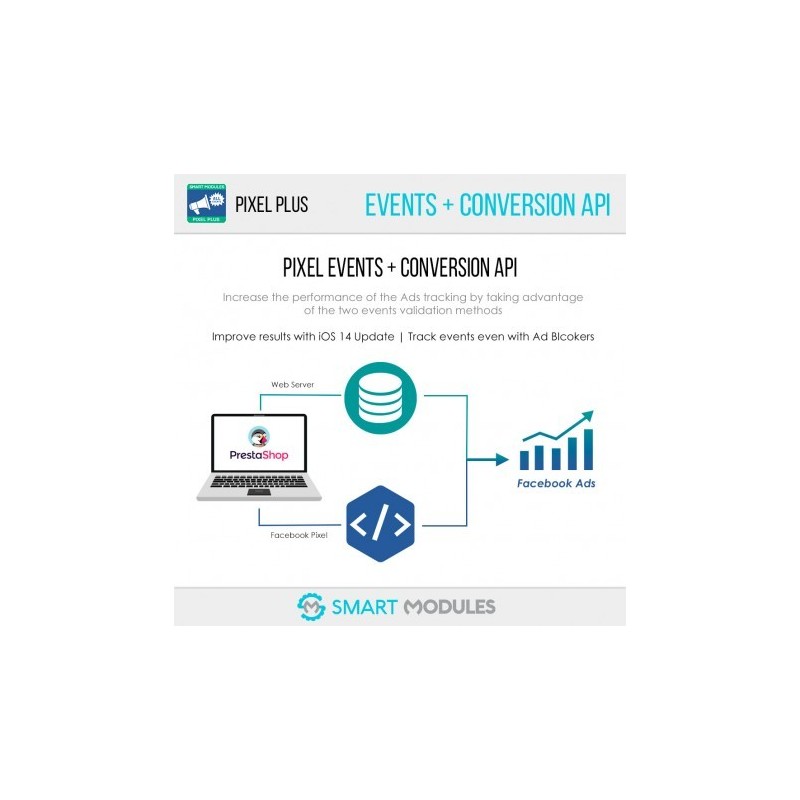
Dynamic Ads are based on customer behaviour on your site: by tracking events, Facebook can tell you what products your customers are interested in, and can therefore create customised ads for each of them. This is possible thanks to the Pixel Plus event tracking and the Pixel event based catalogue. Using them together you will be able to use Dynamic Ads. This special kind of ad uses a marketing technique called retargeting.

Imagine that a potential customer sees a product on your site and adds it to their cart, but doesn’t complete the purchase. You can use Dynamic Ads to display ads for the product on Facebook and Instagram automatically. This way, your customer will be more likely to purchase the goods from you.

FEATURES

Easy to Install

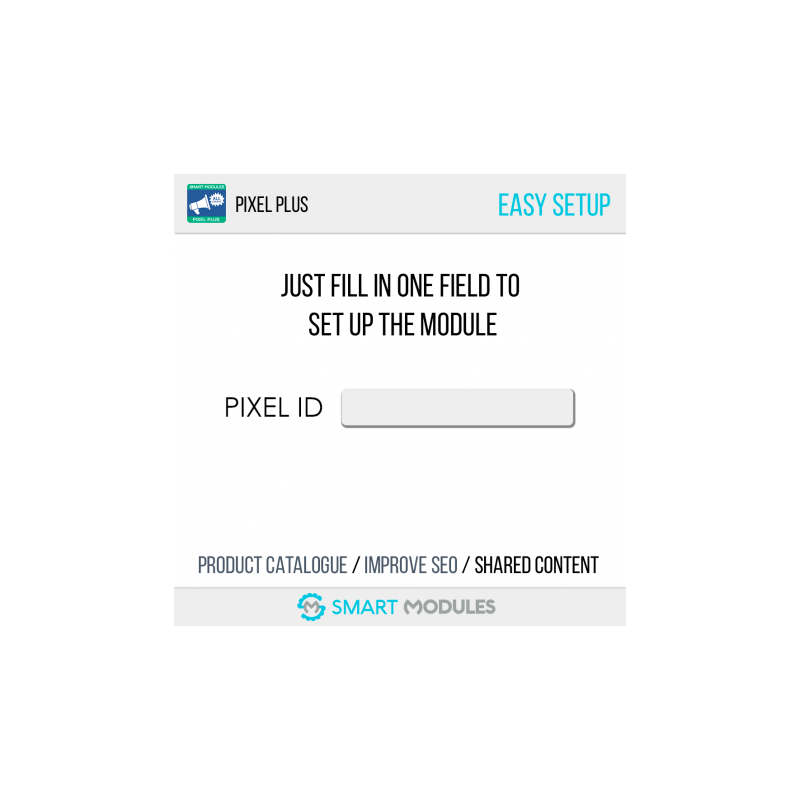
You just need to fill in your Pixel ID to make it work

Track all events

With this module you can track almost all new events for the Facebook's Pixel.

• ViewContent ✔ 

• AddToCart ✔

• AddToWishlist ✔

• InitiateCheckout ✔

• AddPaymentInfo ✔

• Purchase ✔

• CompleteRegistration ✔

• DPA (Dynamic Product Ads) ✔

• Keypages: Track home page, contact or any CMS pages ✔

Easy to configure

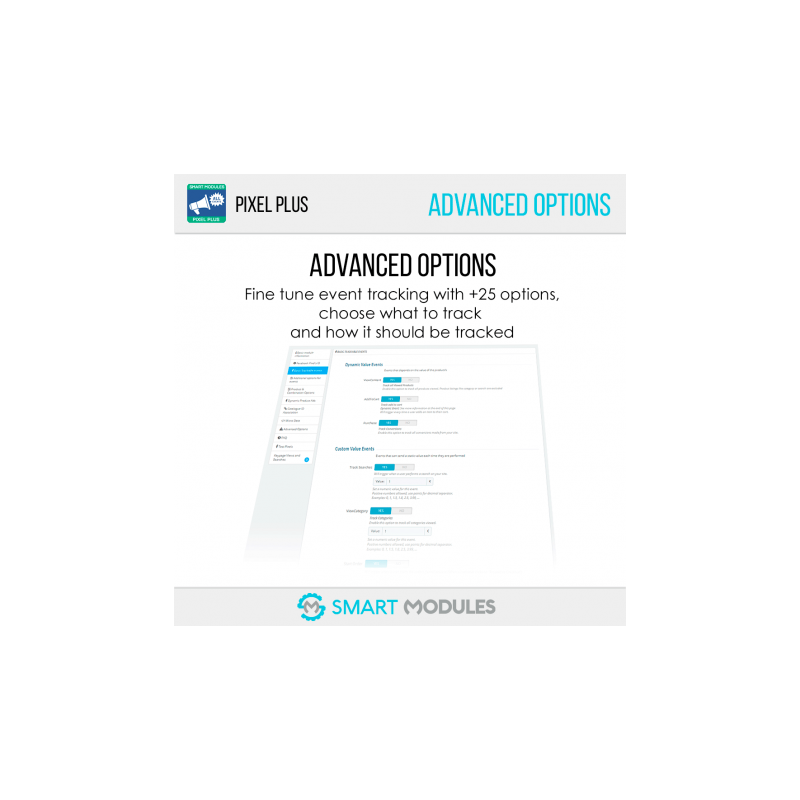
Now you just need to activate / deactivate the features you want to track.

Automatic Catalogue Creation

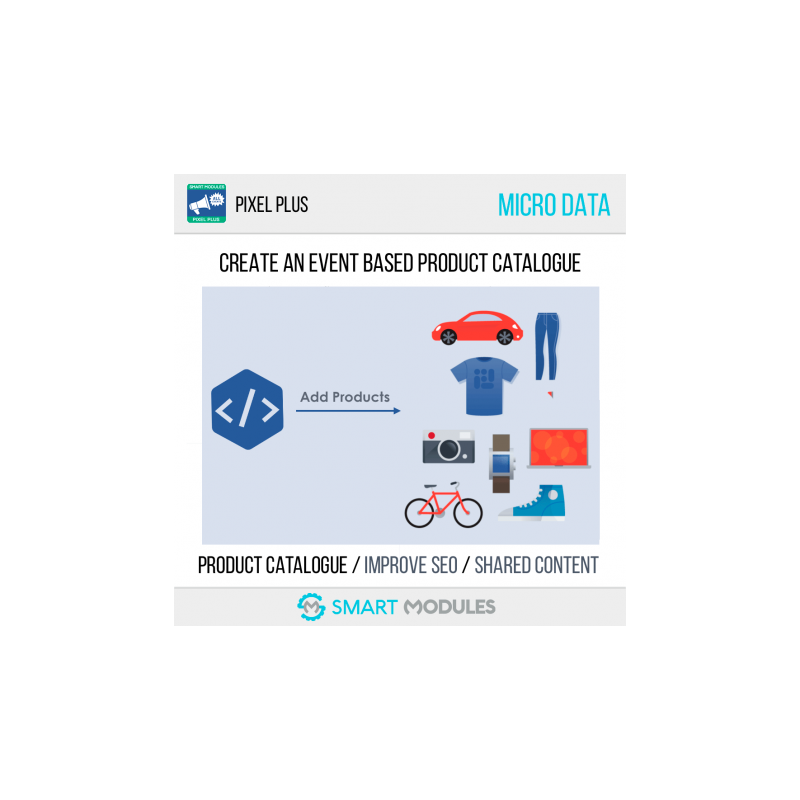
Create the product catalogue effortlessly. Just create the catalogue on Facebook and use Pixel events as the product source.

SEO - Automatic Micro Data Fix

It fixes the Schema and Open Graph microdata to be able to create the products from the catalogue, and also:

• Improves SEO on Google: better product structure means better visibility in search results. This improves the click-through rate and therefore your page’s position on Google

• Improves shared content on Facebook, Instagram, WhatsApp... by displaying better images, title, description...

Improve your ROI

It's not just about tracking conversions, it's about knowing what the money you’ve invested makes customers do! Get to know what actions your ads have triggered, discover the most efficient ones and keep improving your results.

Custom Audiences

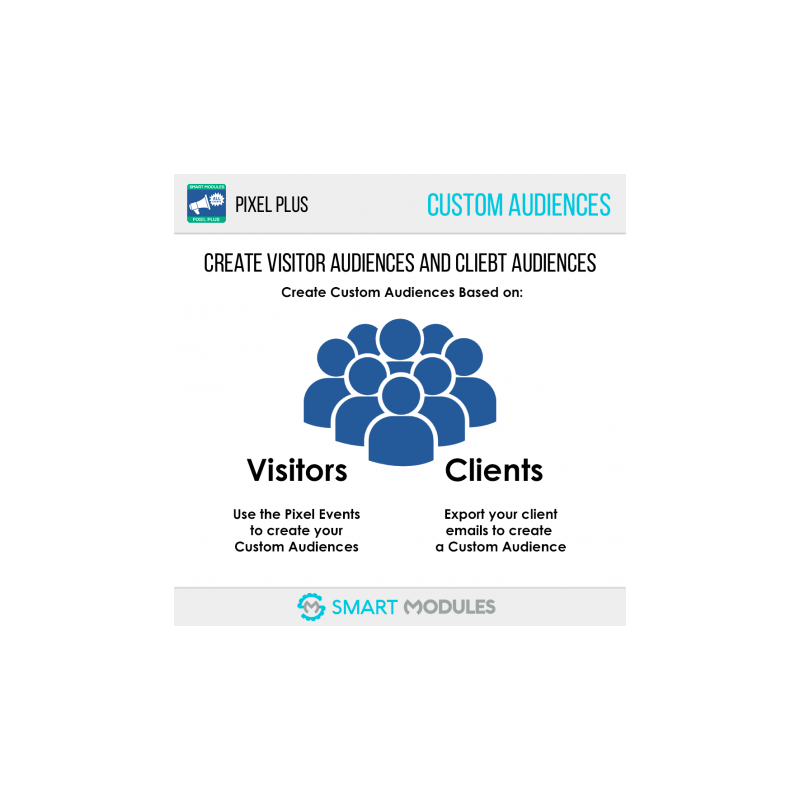
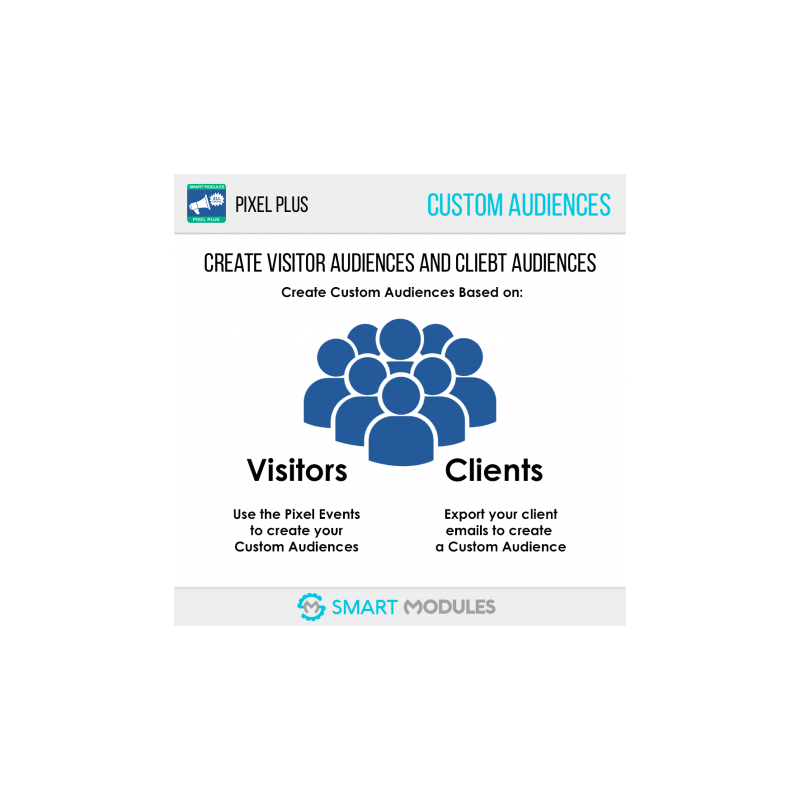
Create Audiences and Lookalike audiences to do some basic retargeting for your visitors or customers (by exporting a client CSV file).

Dynamic Product Ads feature

Advanced retargeting at your fingertips. Create the Pixel based catalogue and configure the Product Catalogue ID to use this feature.

Test the Pixel

Test the events output from the BO. Don’t wait until an action is made to make Facebook validate the Pixel.

Other Features

• Easy to use and Install

• No coding skills needed

• Just copy and paste ’your Pixel ID’

• Custom audiences automatically created

• Works with any theme

• Automatic currency detection

• Support for Dynamic Product Ads (DPA)

• Support for multiple DPA catalogues

BENEFITS

Customers will see more relevant ads thanks to event tracking.

Customers will be more likely to buy your products thanks to the retargeting from Dynamic Ads.

You will be able to tag products on Facebook and Instagram and your customers will be able to easily access and purchase your products by clicking on the image’s tag.

Catalogue will be automatically updated for each visitor.

INSTALLATION

Get your Pixel ID

Go to the Facebook Ads Manager Pixels Menu

https://business.facebook.com/events_manager

In the centre you will see your Pixel ID (a long number). Copy it.

Go to the module configuration page, enter the Pixel ID and save.

Get the Product Catalogue ID

Go to the Facebook Ads Manager Catalogues menu

https://www.facebook.com/products/

Select your catalogue. 

Once the catalogue options load, click on Configuration (the last item in the menu)

Under the catalogue name you will see the Catalogue ID (a long number). Copy it

Paste it into the module catalogues section.

RECOMMENDATIONS

Cache modules

Cache modules can output false positives for some events like purchases. The module has a 3-layer security check to avoid them, but you must be sure all module hooks are configured as dynamic to avoid issues. If you have any doubts, don’t hesitate to contact us!

Product Feeds Module

If you want a professional catalogue with premium features like multiple images, excluding options, product special fields, multishop, multiple languages, multiple countries... we do recommend you use our module Products Feed.

Take advantage of our pack that includes both modules. You will find it at the end of this page or at this URL: Dynamic Ads: All Events + Product Feeds

Where can I see the event results on my ads?

By default, Facebook only displays the Purchase event, but you can display much more data in the campaign statistics. You can display almost any tracked event the module has. This way it is much easier to optimise your conversion and decide which ads are productive and which aren’t.

While viewing ads statistics, you will find the button labelled "Columns" on the right. Click it and then go to “Select Columns...” Once you open the dialogue box, scroll down until you find the Pixel events. Select the ones you want to show and save.

If you want to always have those columns on, click "Columns" again and then set as default.

How to check the events:

There are two ways to check the events:

Use the Pixel Helper for Google Chrome to check the Pixels

https://chrome.google.com/webstore/detail/fb-pixel-helper/fdgfkebogiimcoedlicjlajpkdmockpc

Install it and open your site. Remember to disable your AdBlocker if you use one and try the events.

Remember that some events are dynamic. This means you won’t see them activated unless a certain action is taken.

Event Debugger

Another option is to use Facebook’s event debugger. To use it, you need to go to Facebook Ads Manager > Pixels > Details > Test Events.

Then, in a separate tab, navigate through your page and perform some actions. Once you’ve finished, return to the Facebook tab and check all the events information you’ve just been sent!

OTHER

Product Feeds Module

If you want a professional catalogue with premium features like multiple images, excluding options, product special fields, multishop, multiple languages, multiple countries... we do recommend you use our module Products Feed.

Take advantage of our pack that includes both modules. You will find it at the end of this page or at this URL: Dynamic Ads: All Events + Product Feeds

One Page Checkout modules

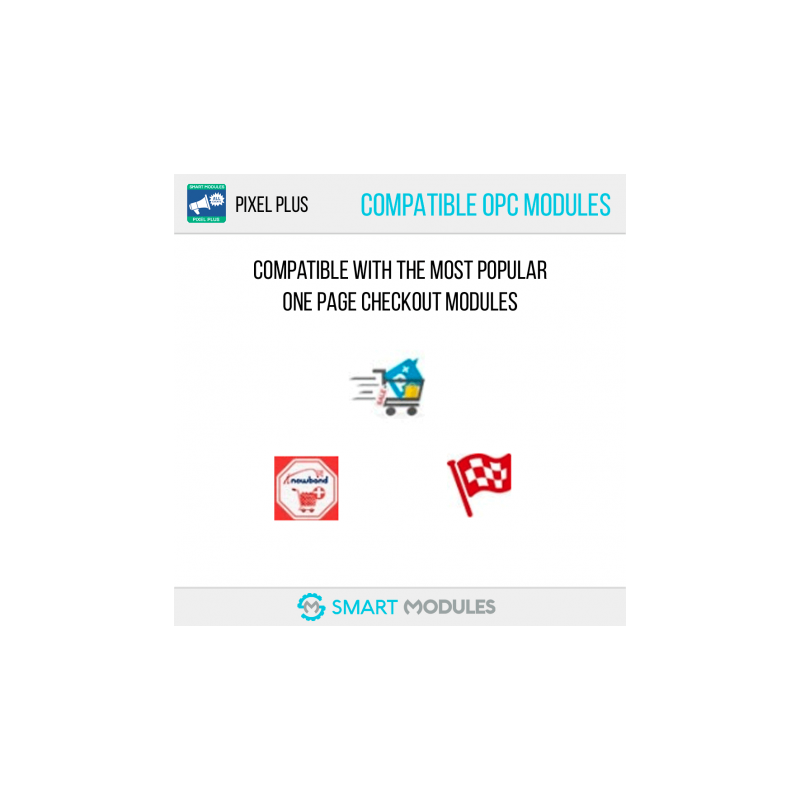
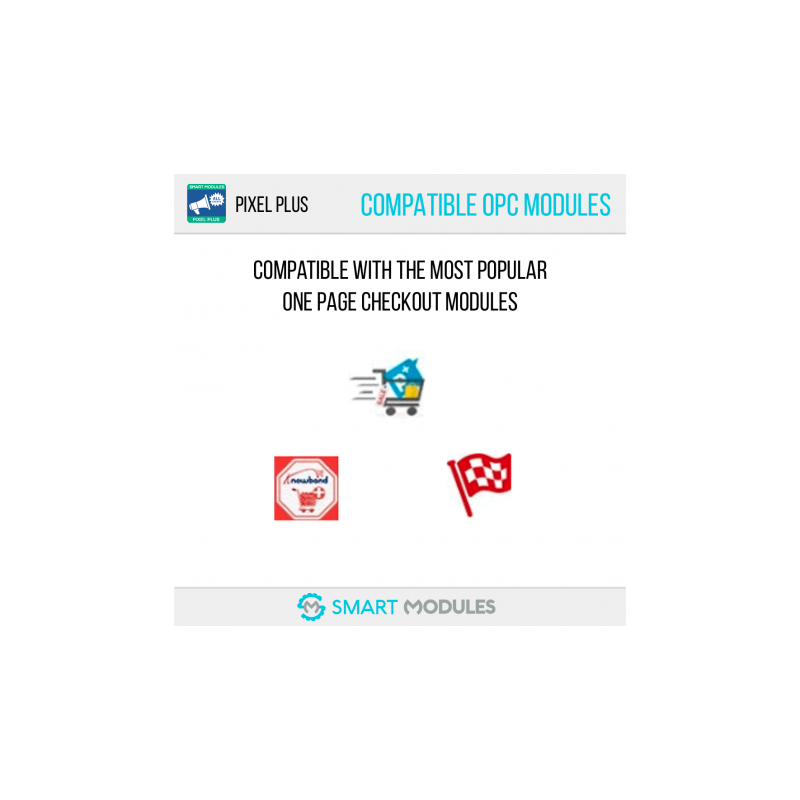
Pixel Plus is compatible with the 3 most popular One Page Checkout Modules.

• One Page Checkout PS

• One Page Checkout by Knowband

• One Page Checkout for PrestaShop

Doubts

If you have any doubts before purchasing the module, during installation or about how to use the module, contact us anytime, we will be glad to help you!

Support

Fast support on installation and configuration (Monday to Friday from 08:00 to 16:00 GMT+1)

Contact us through the link in the Developer tab on the top of this page

Ratings

If you like the module and you want to encourage us to keep adding amazing features, rate it and help other customers. 
Pixel Plus: Event tracking + Pixel Catalog

With nearly 5,000 downloads and an almost perfect rating, Pixel Plus is the best choice if you want a reliable module to track Facebook events and build a product catalog based on Pixel events.

In short, Pixel Plus lets you

Track all Facebook events

PageView, ViewContent, AddToCart, AddToWishlist, ViewCategory, InitiateCheckout, CompleteRegistration and Purchase.

Create a basic catalog based on Pixel events

Use it to tag products on Instagram, fill the Shop tab on Facebook and even create dynamic ads.

Dynamic Ads

By combining Pixel event tracking with the product catalog, you can create ads personalized for each visitor based on their behavior on your site. This advertising approach is called remarketing or retargeting, and it performs far better than regular campaigns.

Bonus

Pixel Plus fixes errors in structured data or microdata, greatly improving your site's SEO and the quality of shared content (content shared from Facebook or WhatsApp will have better images and content that matches the product).

How are events tracked?

Pixel Plus lets you track multiple types of events. Tracking for each event can be enabled or disabled individually on the module's configuration page.

Events are divided into two categories, according to when they fire and their value:

Static events

Events triggered when the page loads, such as ViewContent

Dynamic events

Events triggered after a specific action, for example AddToCart, which only fires after a product has been added to the cart

Events with dynamic values

Events whose value depends on the product(s), such as AddToCart or Purchase

Events with a fixed value

Events where you set the value of a given action and can change it at any time, such as CompleteRegistration (when a customer registers on the site)

Knowing which actions a user took on your website can help you make better decisions about your ads and so improve your ROI (Return on Investment), giving you more effective ads and letting you spot and stop those that are not performing well enough.

Purchase event: 3-layer protection against duplicates

Pixel Plus handles the purchase event like no other module, with 3 layers of security to prevent duplicate events. This stops the module from wrongly reporting more sales than were actually made on your site.

Please note that caching modules in PrestaShop can cause tracking problems. If you use one, contact us for help on how to configure the module in the best way to avoid them.

Catalog creation and SEO improvement

Pixel Plus also lets you create a basic product catalog based on Pixel events. To improve the quality of the catalog it creates, Pixel Plus checks your theme, analyzes the templates and fixes any microdata errors it finds.

Once you have your product catalog on Facebook, you can use it to:

Tag products on Instagram

Tag products on Facebook

Publish your products in the “Shop” section of your Facebook page

Create product ads

Create dynamic ads*

Please note that the catalog created from Pixel events is limited: it will only add and update products that have received some event action or whose page has been visited. This means your catalog may take a while to be complete if the number of visits is low, or that less popular products may not appear in it.

If you want a fully generated catalog with quality product data and regular automatic updates, we recommend our Products Feed for Dynamic Ads & Insta Tagging module. If you are interested in this more complete type of catalog, we have a pack that includes both modules at a special price. For more information, follow this link: Facebook Pixel + Dynamic Retargeting

How dynamic ads work

Dynamic ads are based on customer behavior on your site: through event tracking, Facebook can tell which products spark your customers' interest and can therefore create personalized ads for each of them. This is possible thanks to Pixel Plus event tracking and the Pixel event-based catalog. By using these two features together, you will be able to run dynamic ads.

Imagine a potential customer views a product on your site and adds it to the cart but does not complete the purchase. You can use dynamic ads to automatically show ads for that product on Facebook and Instagram. That way, your customer is more likely to end up buying that product in your shop.

Features

Just enter your Pixel ID and it works

It is not just about tracking conversions, it is about discovering what actions your customers take with the money you have invested! That way you can decide which ads are performing better than others, which are not, and which ads make customers more likely to buy or register... giving you total control.

With this module you can track almost all the new events for the Facebook Pixel.

  • ViewContent: View content ✔
  • AddToCart: Add to cart ✔
  • AddToWishlist: Add to wishlist ✔
  • InitiateCheckout: Start checkout ✔
  • AddPaymentInfo: Add payment information ✔
  • Purchase: Purchases ✔
  • CompleteRegistration: User registration ✔
  • DPA (Dynamic Product Ads): Dynamic product ads ✔
  • Keypages: Tracking of key pages such as the home page, contact page and any CMS page ✔

Creating custom audiences and lookalike audiences lets you do basic retargeting of your visitors or customers (by exporting a list of customers to use on Facebook).

Enable or disable the events you want to track.

Advanced retargeting within your reach. Create a catalog based on Pixel events and set the product catalog ID to use this feature.

Create product catalogs effortlessly. Simply create the catalog on Facebook and use the Pixel events as the source of product data.

Test events from the back office with just one click. Don't wait for an action to happen before Facebook validates the pixel.

Fixes the product structured data (microdata) Schema and Open Graph so products can be created from the catalog, and also:

  • Improves SEO on Google: better product structure means better visibility in search results. This improves the click-through rate and therefore your page's position on Google
  • Improves content shared on Facebook, Instagram, WhatsApp... by showing better images, titles, descriptions...
  • Easy to use and install
  • No coding skills required
  • Just copy and paste your Pixel ID
  • Custom audiences created automatically
  • Works with any theme
  • Automatic currency detection
  • Support for dynamic product ads (DPA)
  • Support for multiple DPA catalogs

Benefits

Customers will see more relevant ads thanks to event tracking.

Customers will be more likely to buy your products thanks to Dynamic Ads retargeting.

You will be able to tag products on Facebook and Instagram, and your customers will be able to easily find and buy your products by clicking directly on the tag in the post.

The catalog will be updated automatically with each visitor.

Installation

Get your pixel ID

Go to the Pixels menu in Facebook Ads Manager https://business.facebook.com/events_manager In the center you will see the name of your Pixel and, on the side, a very long number. This number is the ID. Copy it. Go to the module's configuration page, enter the pixel ID and save.

How to get the product catalog ID

In Business Manager, go to Catalog Manager https://www.facebook.com/products/ Select your catalog. Once the catalog options have loaded, click Settings (the last item in the menu) Under the catalog name you will see another long number; this one is the catalog ID. Copy it Paste it into the catalogs section of the module.

Recommendations

Cache modules can cause false positives for some events, such as purchases. If you use a cache module for PrestaShop, make sure to enable basic mode in the module's advanced options. Also, in your cache module you must mark the Pixel Plus module hooks as dynamic. If you have any questions, get in touch with us!

If you want a professional catalog with premium features such as multiple images, exclusion options, special product fields (such as color, size…), multistore, multilanguage, multi-price... we recommend our Products Feed for Dynamic Ads & Insta Tagging module.

Take advantage of our pack that includes both modules to get a discount on the combined purchase. For more information, scroll down to the bottom of the page or follow this link: Facebook Pixel + Dynamic Retargeting

By default, Facebook only shows data for the Purchase event, but it can show much more data in campaign statistics. In fact, every action recorded for any of the module's events can be displayed. This makes it much easier to optimize conversion and decide which ads are productive and which are not.

When you view a campaign's statistics, you will see a button on the right that says "Columns". Click it and then click "Customize columns...". Once the dialog box opens, scroll down until you find the Pixel events. Select the ones you want to see and save your selection.

If you want those columns to always be enabled, click "Columns" again and then "Set as default".

There are two ways to check events:

Use the Pixel Helper extension for Google Chrome

https://chrome.google.com/webstore/detail/fb-pixel-helper/fdgfkebogiimcoedlicjlajpkdmockpc

Install it and open your site. Remember to disable your ad blocker if you use one, then test the events.

Remember that some events are dynamic. This means they will not be sent to Facebook unless a certain action is performed.

Facebook Events Debugger

Another option is to use the Facebook events debugger. It is not as reliable as Pixel Plus, but it does not require installing any extension. To use it, go to Facebook Ads Manager > Pixels > Details > Test events.

Then open a separate browser tab and perform some actions on your site. Once you are done, go back to the events debugger to see what information has been sent to Facebook.

Other

If you like the module and want to encourage us to keep adding great features, rate it and help other customers.
If you want a professional catalog with premium features such as multiple images, exclusion options, special product fields (such as color, size…), multistore, multilanguage, multi-price... we recommend our Products Feed for Dynamic Ads & Insta Tagging module.

Take advantage of our pack that includes both modules to get a discount on the combined purchase. For more information, scroll down to the bottom of the page or follow this link: Facebook Pixel + Dynamic Retargeting

Pixel Plus is compatible with the 3 most popular One Page Checkout modules.

  • One Page Checkout PS
  • One Page Checkout by Knowband
  • One Page Checkout for PrestaShop

If you have any questions before buying the module, during installation or about how to use it, get in touch with us at any time. We will be happy to help!

Fast support for installation and configuration (Monday to Friday, 08:00 to 16:00 GMT+1)

You can contact us through the module or via the contact-the-developer link on this page.